How we built the site-wide AI assistant, its architecture, and next steps.
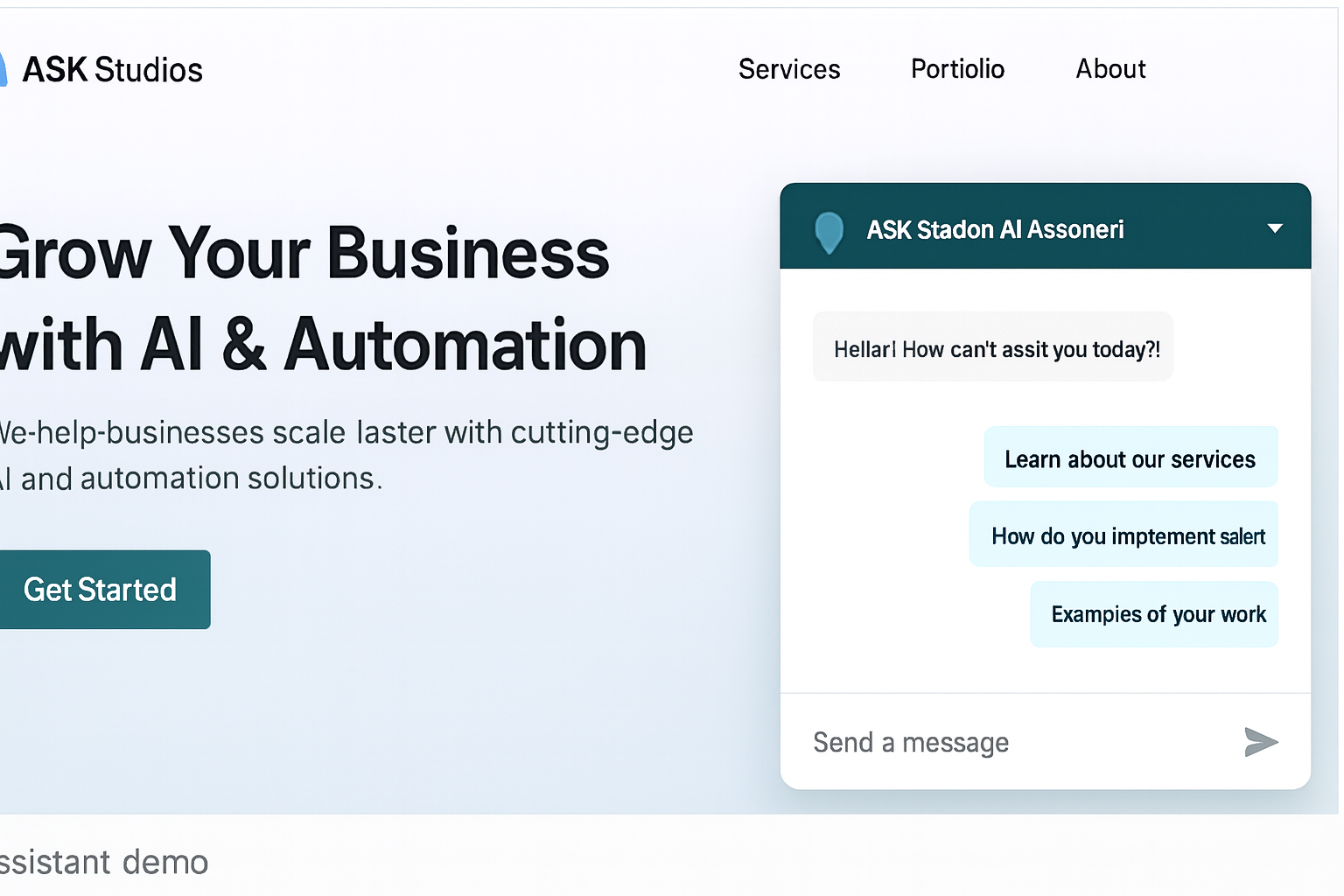
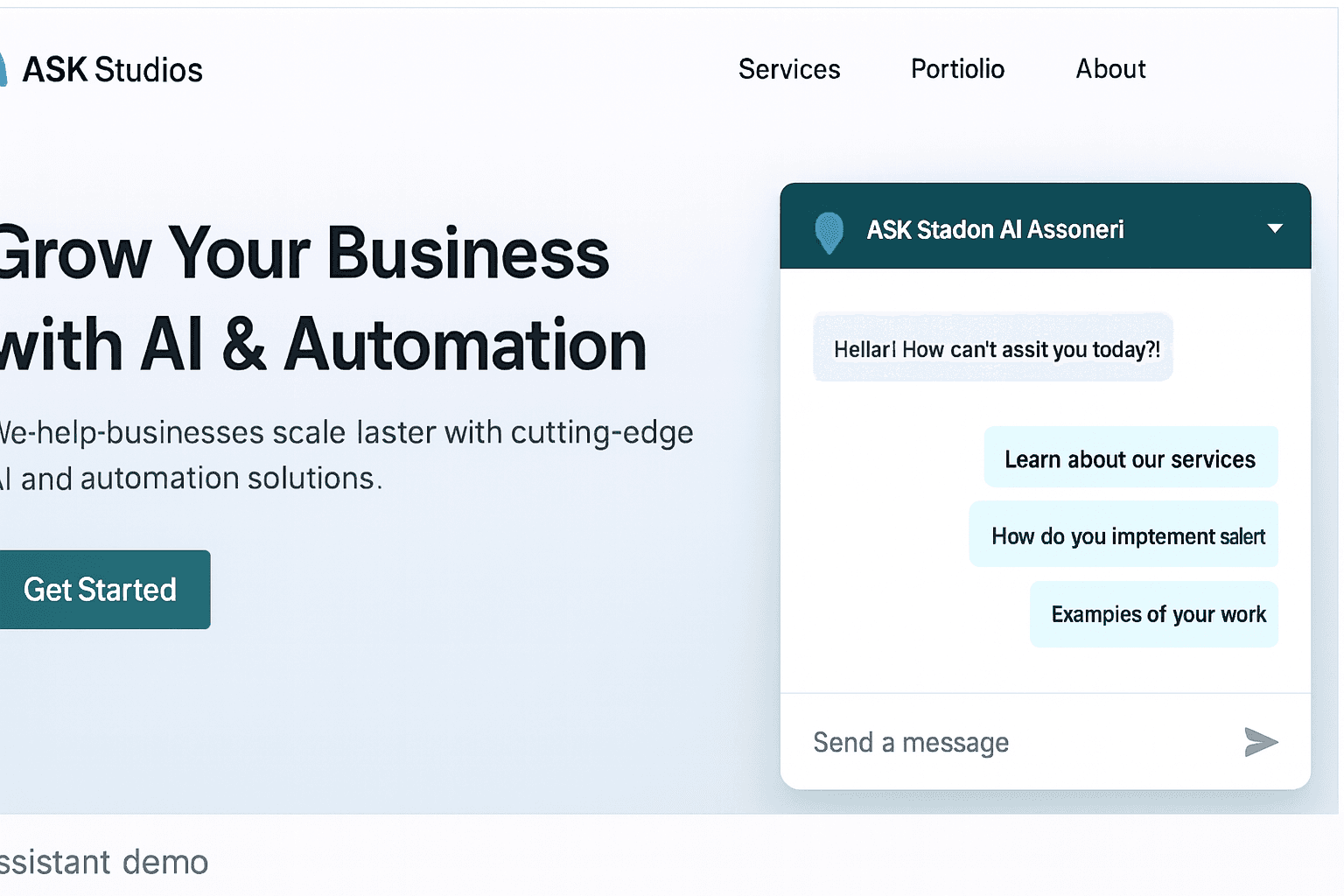
ASK Studios now ships a live AI assistant on the website. This post walks through why we built it, the architecture we chose, trade-offs we made, and the next steps (including RAG/knowledge bases and analytics).
Why we built a site-wide assistant
We wanted a visible, practical example of our capabilities — something clients can interact with right away. A chatbot:
- Demonstrates real-time product thinking
- Lets visitors self-qualify before reaching out
- Acts as a center-piece for AI & automation conversations
Architecture (high level)
The assistant uses a simple, modular architecture that’s easy to iterate on:
- Frontend: small React widget using Framer Motion for smooth animations and a minimal footprint.
- API: server-side
/api/chatroute in Next.js that proxies to an LLM (OpenAI or AIMLAPI) and handles basic routing, rate-limiting, and logging. - Future: a vector DB for RAG (pgvector / Supabase / Pinecone) so replies are grounded in our docs and case studies.
Trade-offs we considered
- Direct LLM calls vs RAG — direct calls are faster to ship but can be costly for large context. RAG is the scalable option for precise, up-to-date answers.
- Rule-based fallback — we included simple rule responses for product names so the demo is helpful even without perfect LLM connectivity.
- Privacy & safety — all user messages are handled server-side; sensitive data is treated carefully (with opt-out in future releases).
Implementation notes
Frontend
- The chat UI is implemented as a floating widget that loads only when needed.
- UX choices: keep messages short, present "Suggested topics", and show contact CTA when users indicate intent.
Backend
/api/chataccepts a small set of messages, attaches a short system prompt, and calls the LLM.- To reduce cost, we:
- Keep the system prompt brief.
- Limit message history to the last N turns.
- Plan to add RAG for long-form product docs.
Next steps & roadmap
-
Add RAG + vector search
- Create a knowledge base of product docs, portfolios, and FAQ.
- Retrieve only relevant chunks per question to save tokens and increase accuracy.
-
Assistant analytics
- Track intents, top questions, and conversion (how often visitors contact us after chatting).
-
Expand knowledge base
- Add deep product pages and case studies so the assistant can cite specifics.
TL;DR
This assistant is a small, high-impact demo that shows clients we can:
- Deliver product UX
- Integrate LLMs responsibly
- Plan for scale with RAG and analytics
If you want a custom assistant for your product (support bot, onboarding helper, or internal dashboard assistant), let’s talk — contact us at info@askstudios.net.